AI music video generators from audio let creators turn songs into visual stories quickly. This guide explains how the technology works, what to expect for quality and licensing, and how to get platform-ready outputs using MusicBud.ai.
How AI turns audio into visuals

AI music video generators analyze an audio file to extract tempo, beat positions, timbre, and mood. That analysis guides scene changes, motion intensity, and visual effects so the video feels synchronized with the track.
Systems vary: some use waveform-driven motion graphics and particle systems, others map spectral content to color and shape. MusicBud.ai uses musical structure plus optional image inputs or text prompts to create cohesive visual stories tied to your audio.
- Beat detection and tempo mapping for on-beat cuts
- Spectral analysis to drive color, brightness, and motion
- Style conditioning from user prompts or uploaded images
What you can expect: quality and speed

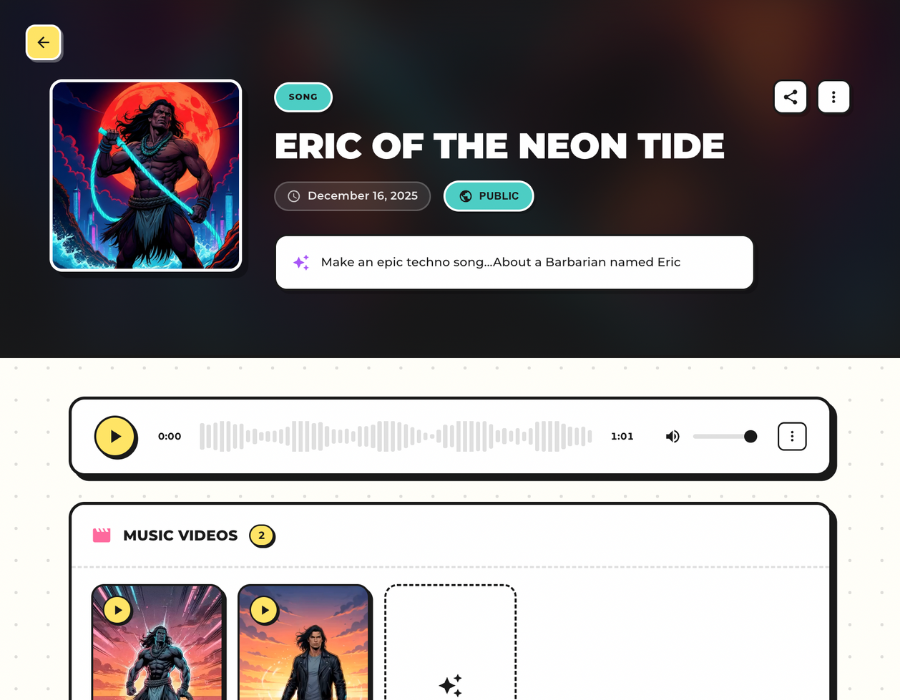
Output quality depends on model capabilities and chosen settings. MusicBud.ai provides fast previews and typically generates music videos from existing songs in about five minutes for many short videos.
Processing time depends on length and selected effects. Short social clips (30–60 seconds) tend to render more quickly and are ideal for Reels, Shorts, and TikTok. Full-length videos up to supported limits require more time and credits.
- Typical music-video generation time: minutes for short clips
- Preview-first workflows let you iterate before final render
Customization and creative control
Look for tools that let you set visual styles (cinematic, retro, abstract), add lyric overlays, or upload a photo to steer the look. The best workflows combine automated synchronization with manual tweaks so creators can refine cuts, color palettes, and transitions.
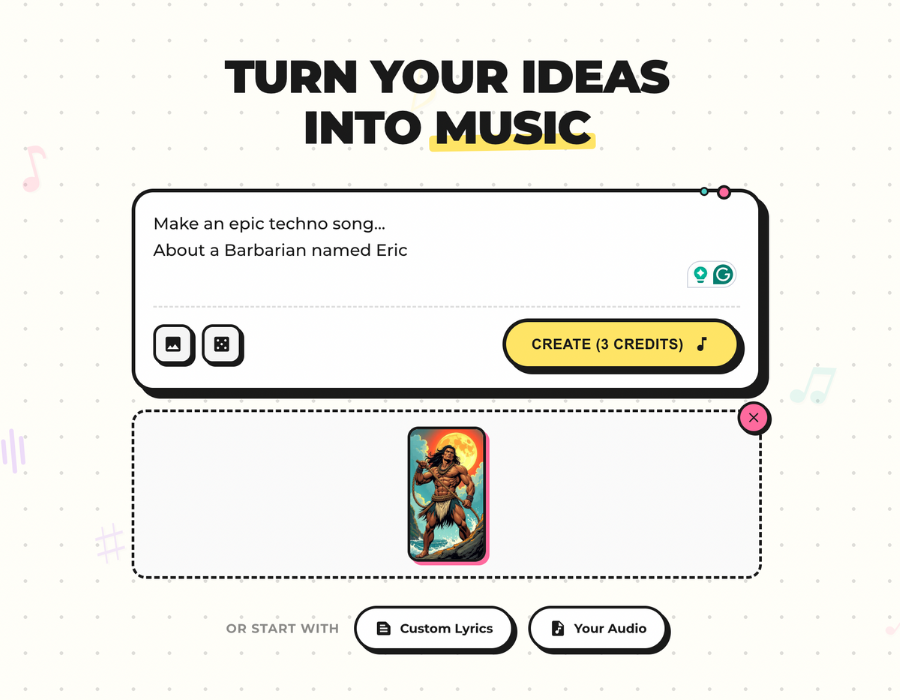
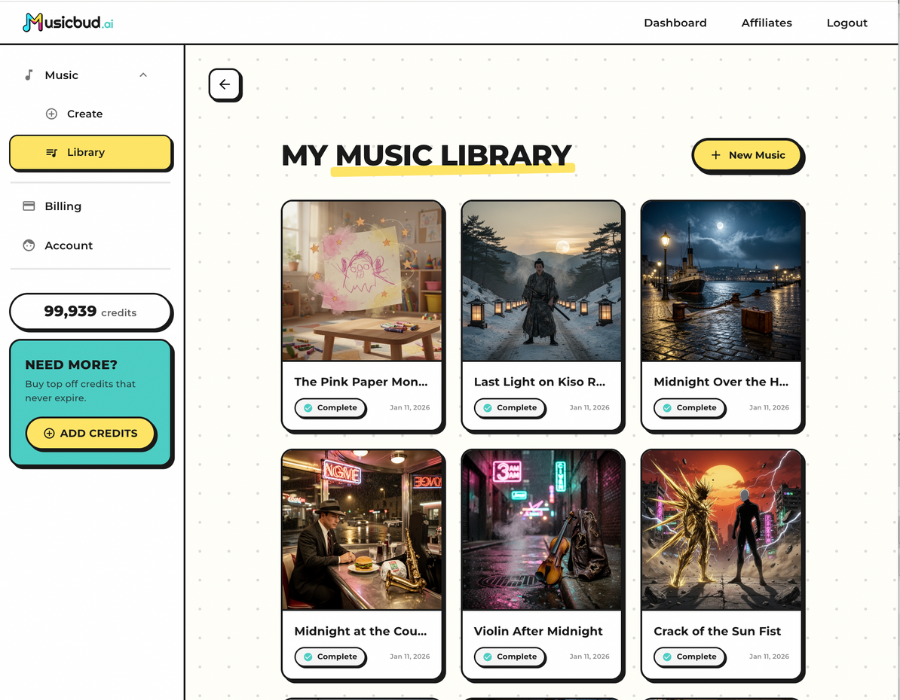
MusicBud.ai supports text prompts, custom lyrics, and image-to-music inspiration. After generation you can preview and make edits in your dashboard before downloading the final file.
- Style presets and custom prompts for look-and-feel
- Lyric overlay and timing controls when you provide lyrics
- Image upload to influence both music and video aesthetics
Licensing, ownership, and commercial use
Ownership generally follows the inputs you provide: you retain rights to content you create or upload, within the limits of copyrights you actually own or have licensed. If you upload copyrighted audio you do not own, distribution may require permission from the rights holder.
MusicBud.ai lets you download and share your videos as long as your inputs and outputs comply with copyright and platform rules. Free-tier outputs may include a watermark; paid plans remove the watermark. Always read the service’s terms and copyright guidance before releasing music commercially.
- You retain ownership of your created content within licensing limits
- Obtain necessary licenses if using third-party copyrighted audio
- Check plan details for watermark removal and commercial-use terms
Length limits and platform-ready exports
MusicBud.ai accepts audio uploads up to 4 minutes in length for video generation. When planning a release, pick the right aspect ratio and length for each platform.
Many creators generate a vertical cut (9:16) for Reels and Shorts and a horizontal master for YouTube; MusicBud.ai supports rendering versions suited to different distribution channels.
- Length support: MusicBud.ai accepts songs up to 4 minutes for uploads
- Render versions tailored to common social aspect ratios
Practical tips and workflows
Start with a short sample render to test style choices, then iterate. Use an uploaded photo or specific prompts to push the visual identity toward album artwork or campaign graphics. Keep a separate 30–60 second edit optimized for social channels.
If you plan to release commercially, keep a record of sources and licenses for any third-party material. Use previews to fine-tune lyric timing and beat-synced edits before committing credits to a final render.
- Generate a 30–60 second sample before rendering full video
- Use image uploads to maintain consistent branding across releases
- Document licenses for any third-party audio or samples used
Sources
Frequently Asked Questions
How does an AI music video generator create visuals from audio?
It analyzes beats, tempo, and spectral content to drive scene changes, motion, and visual effects. Style prompts or uploaded images further condition the visuals so they match mood and branding.
Can I use AI-generated videos for commercial releases?
You can use videos for commercial releases if you own or have licensed the inputs (audio, images, lyrics). MusicBud.ai lets you download and share finished videos, but always confirm licensing for any third-party material before commercial distribution.
What file lengths are supported?
MusicBud.ai accepts songs up to 4 minutes when uploading your own audio for video generation.
How long does it take to generate a music video from a song?
Times vary by length and settings. MusicBud.ai typically renders AI-generated music videos from existing songs in about five minutes for many short videos; full-resolution or longer renders may take longer.
Can I edit the generated video and audio?
Yes. MusicBud.ai offers preview and edit tools in your dashboard so you can tweak visuals, timing, and minor audio elements before final download.
Are there free or trial options?
Yes. MusicBud.ai offers a free option with daily-refilling credits so you can try sample generations before upgrading to paid plans for watermark-free, higher-resolution exports.


MusicBud.ai