
Turning written lyrics into full songs is faster and more accessible than ever. This guide explains how AI can convert words into melodies, arrangements, and even sung performances, and how to get the best results from tools like MusicBud.ai.
How AI turns lyrics into music
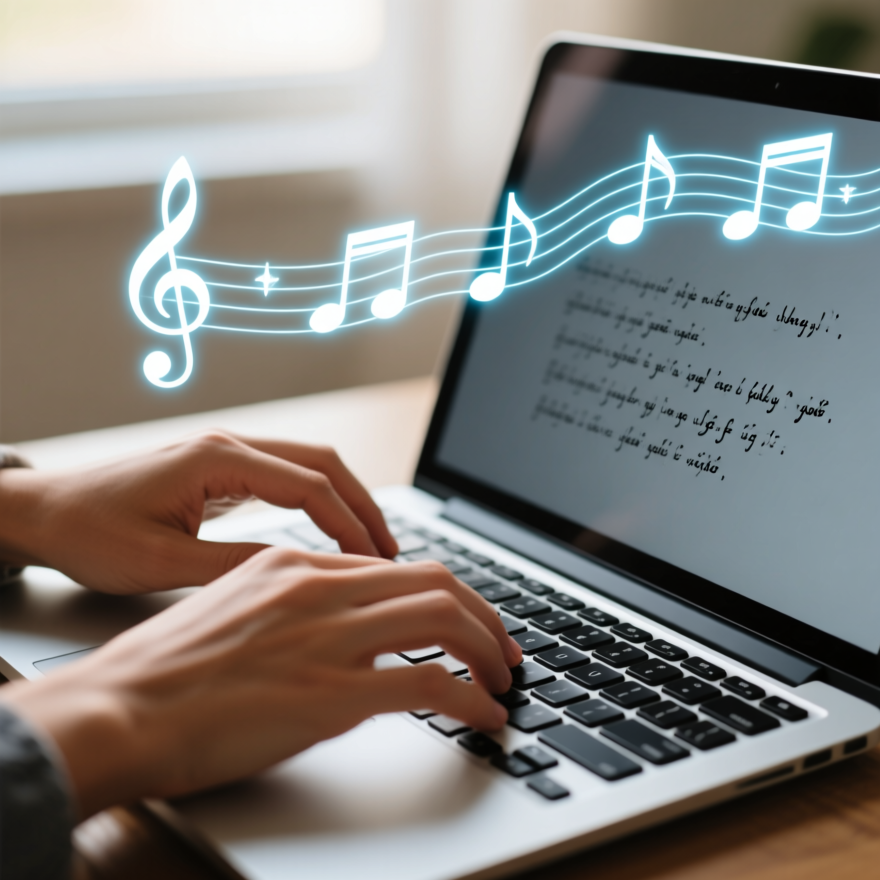
AI song generators analyze your lyrics to determine meter, syllable stress, and emotional cues. From there they propose melodic contours, chord progressions, and rhythmic patterns that match the text.
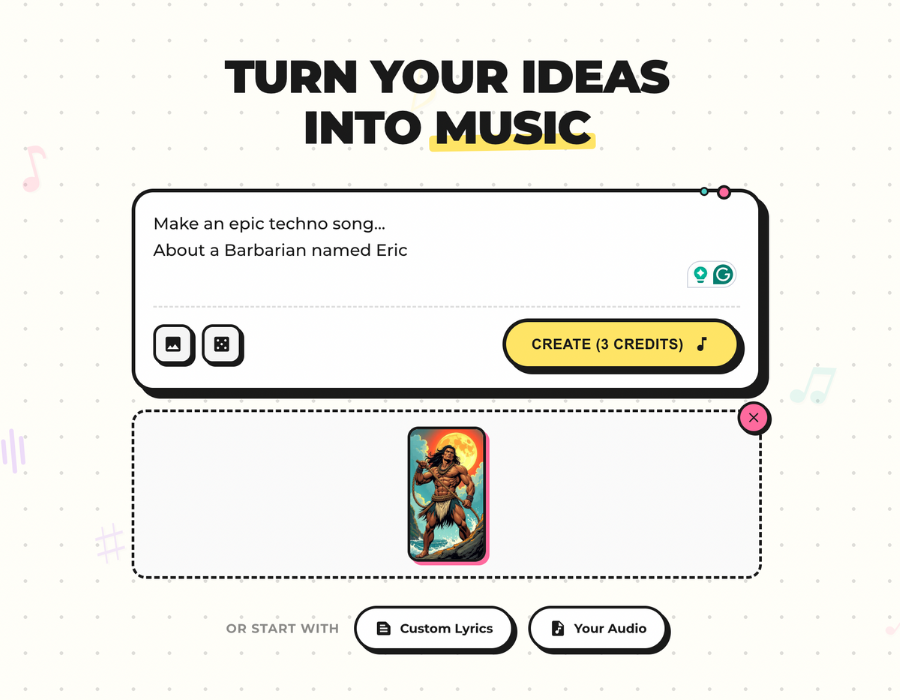
MusicBud.ai accepts pasted lyrics or text prompts and can also use uploaded images to inform mood and arrangement. The platform composes a backing track and can synthesize vocal melodies that follow your lyric phrasing.
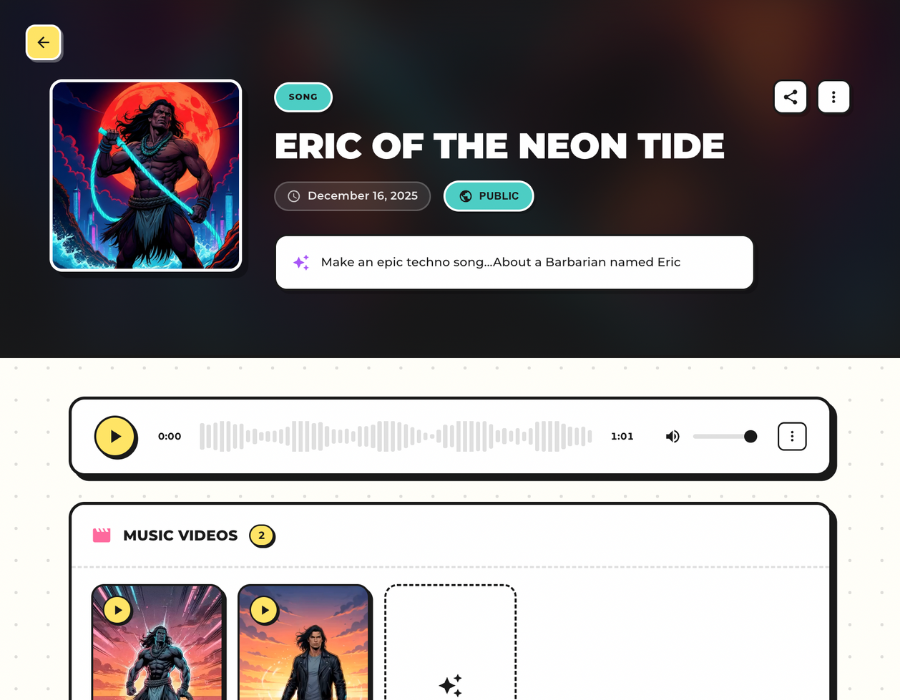
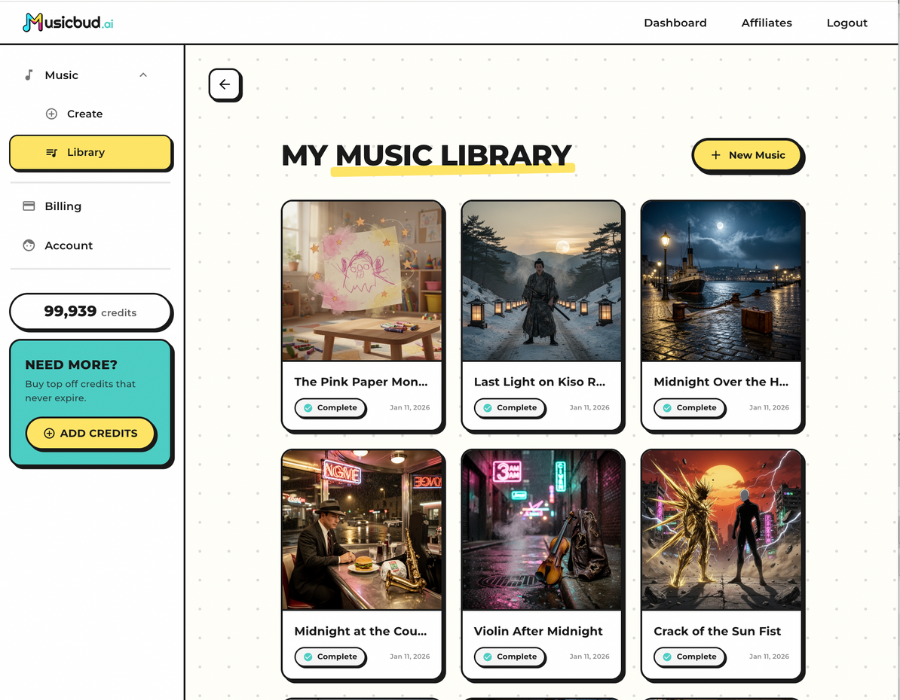
The initial result is a draft — useful as a creative foundation. You can preview, edit, and download finished audio and video files to refine the production in a DAW or keep it as a finished track.
- Input: typed lyrics, text prompts, or photo inspiration
- Output: melody, arrangement, AI-sung vocals, and optional music video
- Editable projects and downloadable audio/video files for further mixing
Step-by-step workflow

Start by pasting a verse, chorus, or full lyric into the generator. Choose a genre, tempo range, and emotional keywords (e.g., intimate, anthemic, chilled). Clear prompts yield more relevant melodic ideas.
Generate your song. MusicBud.ai composes a matching instrumental and proposes a melody that fits the meter of your lines. Listen to the preview and take notes on phrasing or sections you want changed.
Edit and export. Use the dashboard to tweak tempo, instrumentation, or vocal style. When satisfied, download the finished audio or render a music video from the completed track.
- Provide specific genre and mood instructions for better matches
- Generate a draft, then iterate — AI-first results often need refinement
- Export audio and render a shareable AI music video
Controlling genre, mood, and vocal style
Explicit guidance improves outcomes. Specify genre (pop, folk, hip-hop), instrumentation (piano, synth, acoustic guitar), tempo, and references (avoid requesting exact copyrighted melodies) to steer the composition.
Vocal style controls let you choose phrasing and timbre descriptors (e.g., breathy, clear). Expect a synthetic character in some AI vocals; adjust production or layer with real vocals when needed.
If you have an existing audio file, MusicBud.ai can accept it and produce a matching music video — useful when you want AI visuals for human-recorded vocals. Note: uploaded songs are accepted up to five minutes in length.
- Use genre + instrumentation prompts to guide arrangement
- Adjust vocal style, or export audio for human vocal tracking
- Upload your audio (up to 5 minutes) to generate an aligned music video
Quality, limitations, and editing tips
AI can produce strong melodic and harmonic ideas quickly, but outputs can sound generic without iteration. Treat AI as a co-writer: pick the best elements, edit phrases, and re-run variations.
Common limits include less natural vocal nuances and occasional rhythmic mismatches with complex lyric phrasing. Use the platform's editing tools or export audio to a DAW to tighten timing and improve vocal realism.
Layering, human comping, or light pitch/time editing often elevates AI-generated vocals. When professional realism is required, consider combining AI-generated instrumentation with a human singer.
- Expect a draft-level output that benefits from post-processing
- Export audio to fix timing or re-record vocals if needed
- Run multiple generations and combine the best parts
Rights, ownership, and commercialization
You retain ownership of the content you create or upload with MusicBud.ai, but that ownership applies only to the rights you already own or have licensed. Always verify that your inputs (lyrics, samples) don’t infringe third-party rights before commercial use.
AI-created works can present legal complexities. Check platform terms and local IP guidance to confirm permitted uses, and consider registering your work where appropriate.
MusicBud.ai provides free credits to try generating songs and videos. Paid plans remove watermarks; review the platform terms for commercial distribution details.
- You own outputs to the extent you control inputs and licensing
- Review platform terms and local copyright guidance before monetizing
- Paid plans typically remove watermarks and expand usage rights
Practical use cases and next steps
Songwriters can rapidly prototype melodies and chord progressions from lyric ideas, accelerating the songwriting cycle. Indie artists can create promotional music videos from demo tracks without a full production crew.
Creators producing content for social platforms benefit from quick render times and downloadable video files. MusicBud.ai’s image-to-music feature is handy for themed songs or visual-driven campaigns.
To get started, try a short chorus first, iterate on several outputs, export audio, and test one clean mix with a human vocal or tighter production for release.
- Prototype melodies and arrangements in minutes
- Create promo videos from AI or uploaded songs
- Iterate, export audio, and finalize production for release
Sources
Frequently Asked Questions
How do I turn my lyrics into a complete song with MusicBud.ai?
Paste your lyrics or describe your idea, choose genre and mood, then generate. MusicBud.ai composes a backing track, creates a melody to match your phrasing, and offers AI vocals and a preview. Edit in the dashboard and download finished audio or a rendered video.
Can MusicBud.ai create sung vocals that perform my lyrics?
Yes. MusicBud.ai can synthesize vocal melodies to sing your lyrics. Outputs may have an AI character; you can edit or export audio to combine with human vocals if you want a more natural result.
What file formats and lengths are supported?
MusicBud.ai accepts pasted text and images for inspiration. You can upload audio files up to five minutes in length to generate matching music videos. Downloadable outputs include audio mixes and rendered video files.
How long does it take to generate a song or music video?
Song generation is typically quick (minutes) depending on complexity. Rendering an AI music video from an existing song typically takes about 5 minutes because every visual element is generated by AI.
Do I own the music I create with MusicBud.ai?
You retain ownership of content you create or upload, but only for rights you actually own or have licensed. Ensure your inputs don’t infringe third-party rights before commercial use, and consult the platform terms for details.
Is there a free option to try lyric-to-song features?
Yes. You can sign up for free and receive daily credits to try MusicBud.ai without a credit card. Creating an AI-generated song uses 3 credits; rendering videos consumes additional credits based on duration (typically between 50 and 100 credits).
 MusicBud.ai