
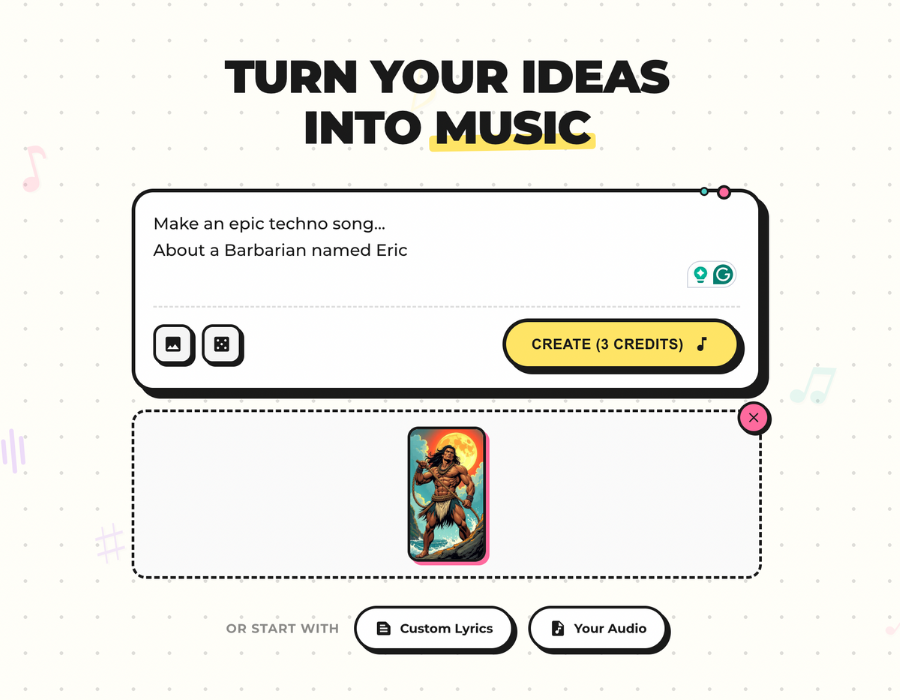
Making an AI music video is easiest when you decide the starting point first. Use a prompt if the idea is new, lyrics if the words matter, a photo if the visual style matters, or uploaded audio if the song already exists.
How to Make an AI Music Video
Making an AI music video is easiest when you decide the starting point first. Use a prompt if the idea is new, lyrics if the words matter, a photo if the visual style matters, or uploaded audio if the song already exists.
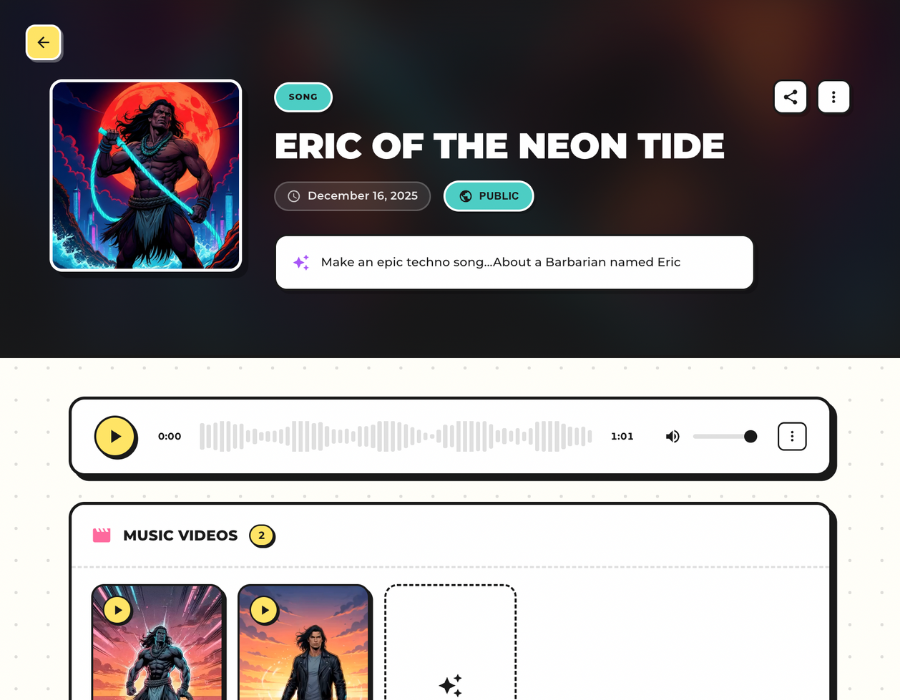
MusicBud.ai works as an AI music video generator for people who want a practical path from idea to share-ready output. You can create music from a prompt, lyrics, or photo, or upload audio that you already own and turn it into a music video.
How It Works
Tips for How to Make an AI Music Video
Related Guides
Create an AI Music Video
Start from the input you already have and turn it into a music video with MusicBud.ai.
Frequently Asked Questions
Can MusicBud help with how to make an AI music video?
Yes. MusicBud supports how to make an AI music video workflows by letting you start with prompts, lyrics, photos, or uploaded audio, then generate a music video in the dashboard.
Do I need editing experience?
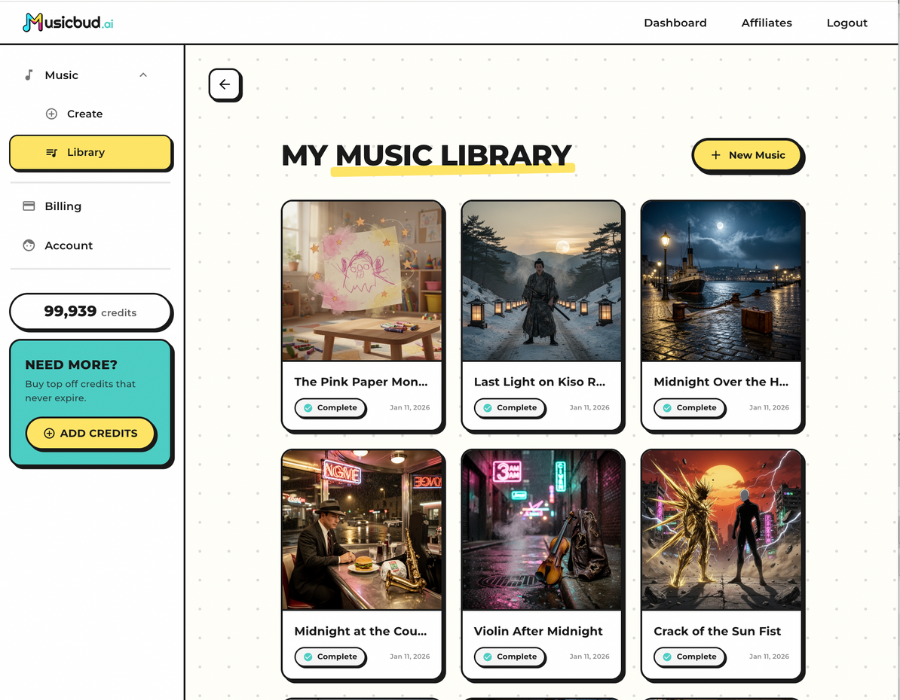
No. MusicBud is designed for creators who want to generate, preview, edit, download, and share without building a video from scratch in traditional editing software.
Can I use uploaded audio?
Yes, as long as you own or are licensed to use the audio. MusicBud asks you to confirm rights before creating a project from uploaded audio.

 MusicBud.ai